
sell & pick changelog
Smarta now reads your dashboards and sets up reports
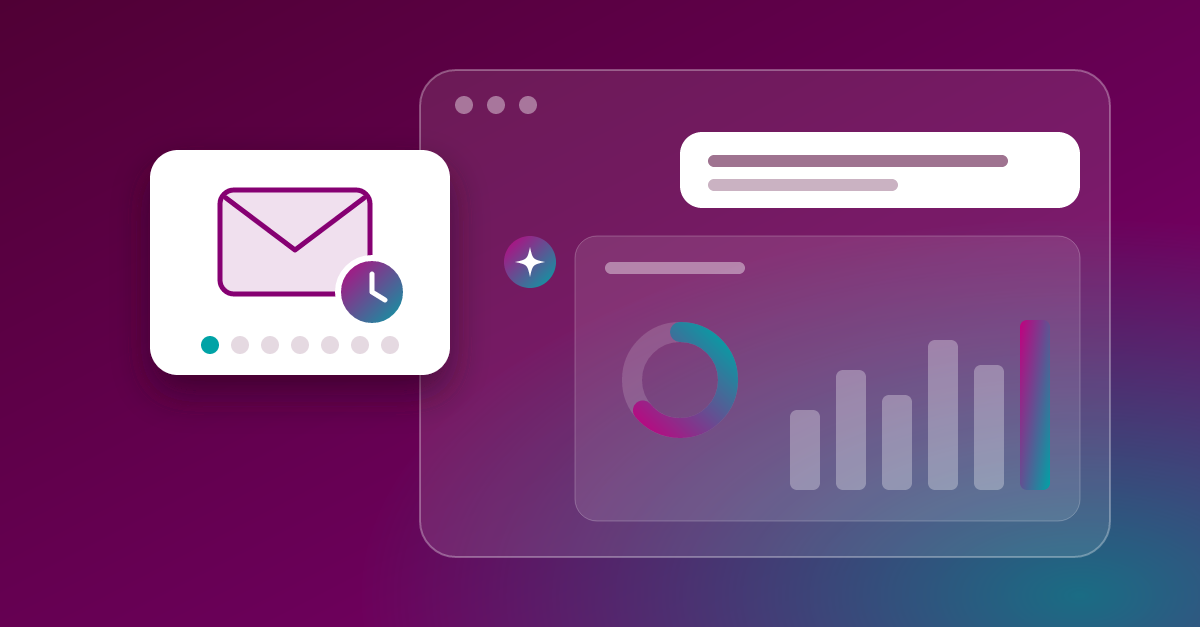
Smarta can now work with your existing sell & pick dashboards. You ask for a dashboard, Smarta sets the right filters and shows you the charts right in the chat. That saves you the trip to the dashboard page.
Dashboards right in the chat
Ask, for example: "Show me the Performance dashboard for Berlin, last week." Smarta opens the dashboard, sets store and time period in the filter bar and shows you bars, KPIs and tables as a chart in the chat. The numbers are the same as in the dashboard, because Smarta uses its exact queries.
Set up reports via chat
"Send me the product group dashboard as a PDF every Monday at 7 am." That's all it takes. Smarta creates the report, with filters, schedule and format (PDF, CSV or Excel). If you want, a test email goes to you right away. You can pause, change or cancel existing reports, also via chat.
More control in the chat
Stop: While Smarta is working, the send button turns into a stop button. One click stops Smarta right away. With
Weiterit carries on after that.Reasoning: You can now see how Smarta got to an answer with the brain icon under the answer.
Your data stays protected: Smarta sends reports only to you and does not change any dashboards that sell & pick maintains for you. We explain exactly what happens with your data here: Data processing at Smarta
All details: Using dashboards with Smarta Setting up reports with Smarta · Using the Smarta chat